Scan or import
Scan one barcode with your phone, or use Rapid Scan to scan a whole stack or shelf of books in a row. You can also search by title, or bring in a whole list from a Goodreads or StoryGraph export.
Dog-Ear is a reading journal and book tracker that runs in your phone's browser. It keeps your books on 3D shelves you can decorate, and tracks your series and your reading year. Scan a barcode or bring in your Goodreads list, then make it yours with colors, your own pictures, and stickers. Invite friends if you like, to visit your shelves or start a small book club. No app store needed.
Free for up to 50 books. The full version is one payment, no subscription. Works in your phone's browser and on your home screen.
That is the whole job. Hold a book up, wait for the beep, and the cover, author, and page count fill in by themselves. Got a whole stack? Rapid Scan keeps the camera open so you can scan them one after another.
It works for books you own, and for books you want. Out at a store and not ready to buy that second? Switch to Wish list, scan it, and it waits for you under Books to Buy.
Made for people who love their books and keep losing track of which ones they own, which they have read, and which ones are next.
Scan one barcode with your phone, or use Rapid Scan to scan a whole stack or shelf of books in a row. You can also search by title, or bring in a whole list from a Goodreads or StoryGraph export.
See every series at a glance: how many books you own and how many you have read. For series with a full list on file, it also shows exactly which books are missing.
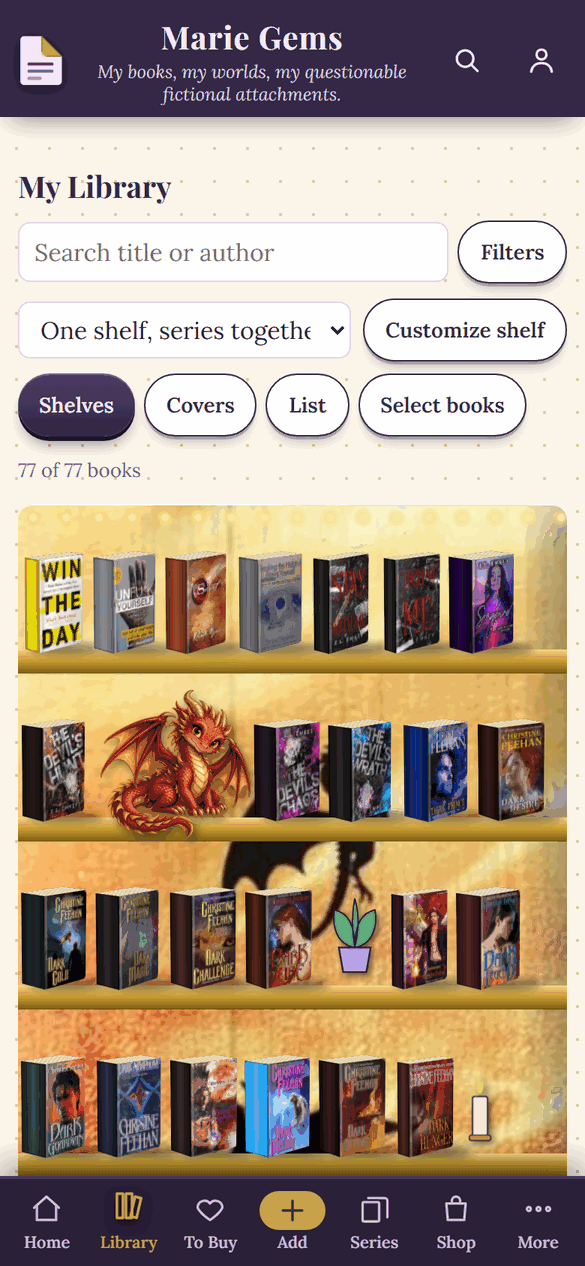
Your books stand on real 3D shelves with thickness, spines, and covers. Change the boards and the wall, put your own picture behind them, and place decorations where you like.
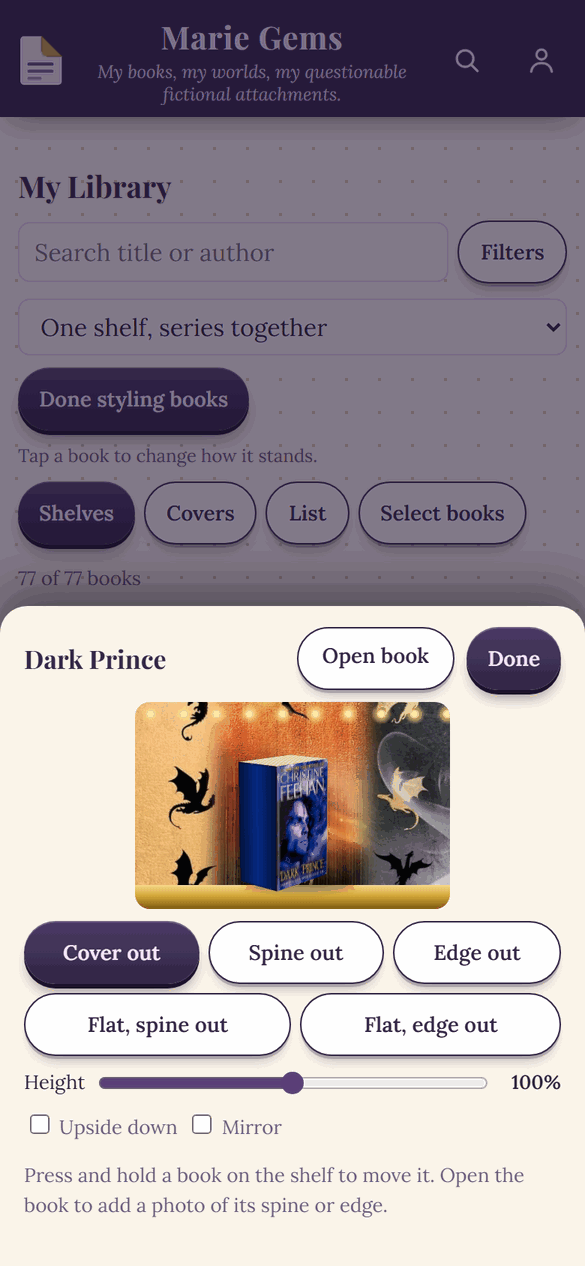
Show a book cover out, spine out, edge out, or lying flat. Make it taller or shorter, turn it upside down, or mirror it. Add photos of your own spine, page edge, and back cover.
Group books your way, like Comfort reads or Book club picks, and see them on your home screen.
Keep the books you want in one place, scan one in a store to save it for later, mark upcoming releases for preorder, and jump to Amazon when you are ready to buy.
Reading challenge shelves, monthly pages, bingo, and quotes, plus more than one hundred stickers, washi tape, and handwritten notes.
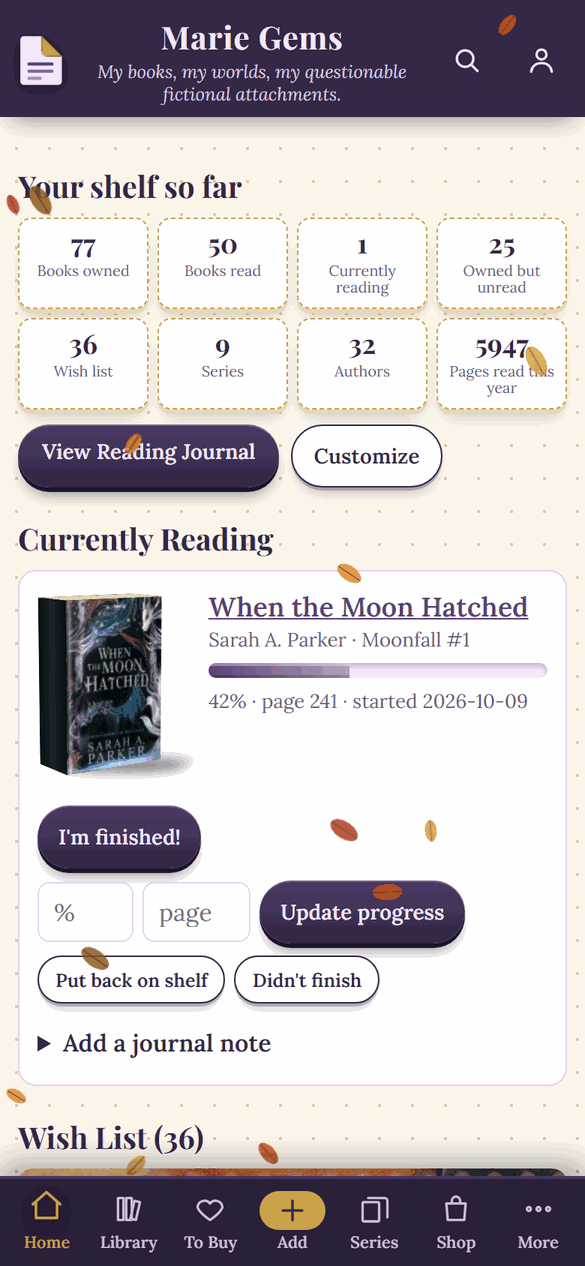
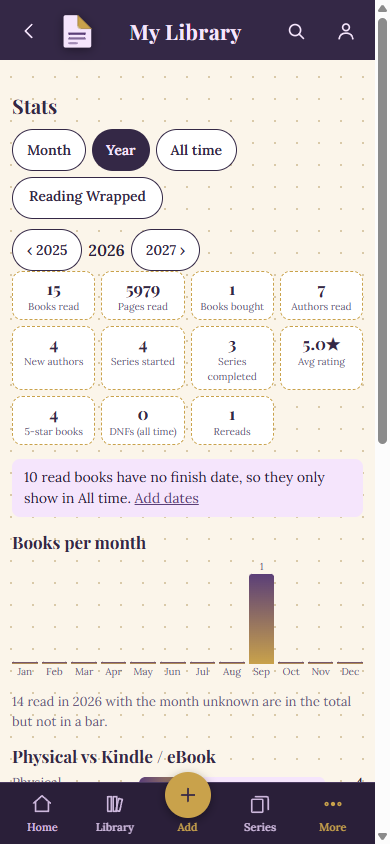
Books and pages read, favorite authors, how many you rated five stars, and a year in review you will want to share.
Name your library, write your own tagline, and pick a color style. Not a purple person? Choose any color you like.
Tap Talk and say it. Add a book by its title, dictate your notes, or speak your whole summary. The words appear for you to check and edit.
Tell it "I read this in February 2026" and the finish date fills in on its own. No calendar to scroll through.
Not sure what to read next? Pick a genre or spin the wheel, and Dog-Ear suggests books you do not own yet, based on what you love.
Romance, fantasy, mystery, manga, anime, and more. Every genre gets its own picks, and you can save anything straight to your wish list.
A friendly nudge each day to read a few pages, with a different message every time. Pick the time, or turn it off whenever you like.
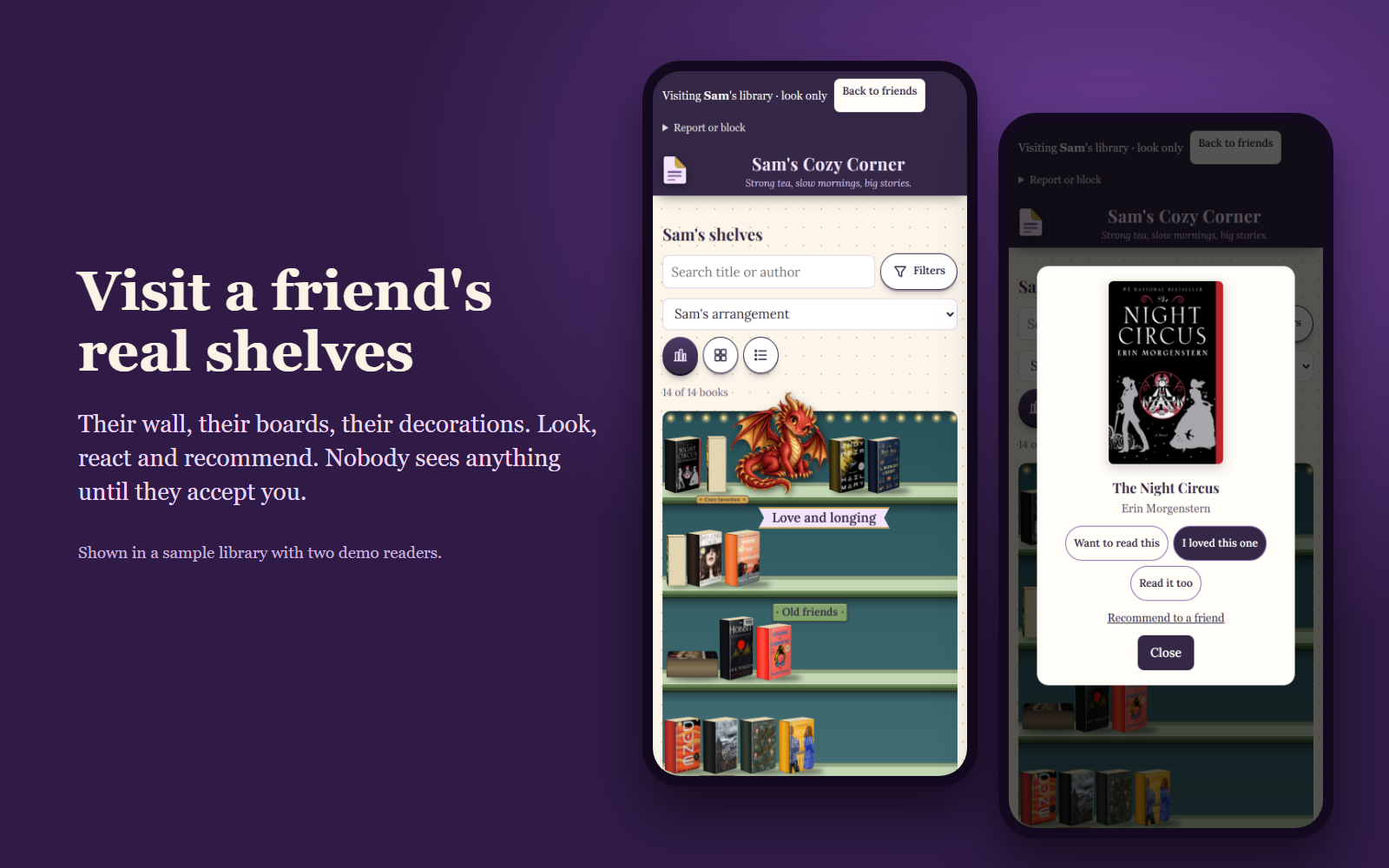
Open a friend's library and see their shelves the way they arranged them. It is look only, and you decide who can visit yours.
Pick a book and add a ready-made note, like Read this next. It waits in your friend's inbox until they add it to their Maybe list.
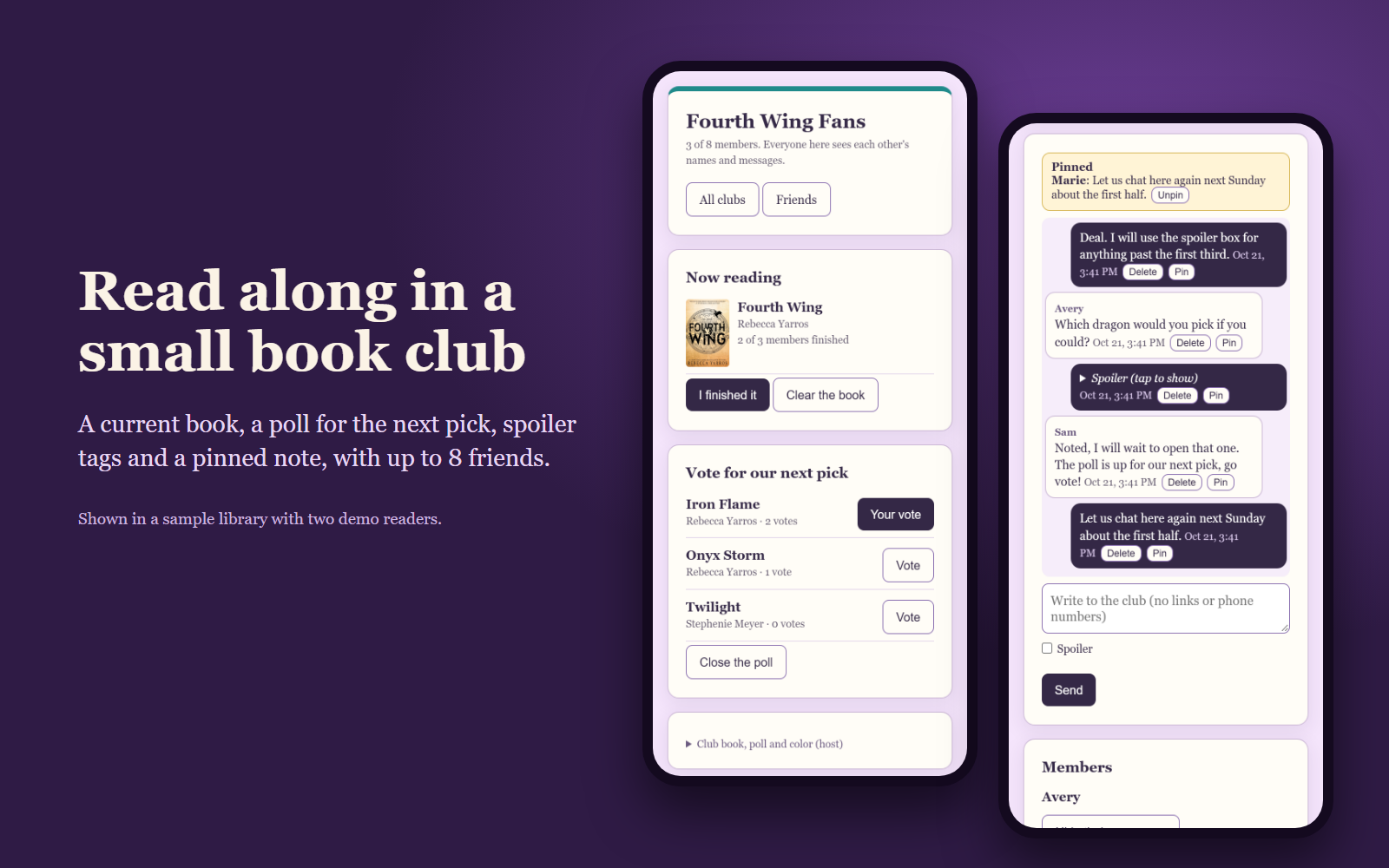
A club of up to 8 readers. Set the current book, see how many finished, vote on the next pick, and tag spoilers.
Kindle cases, stickers, and bookish gifts from Marie Gems, made by the same person who makes Dog-Ear. Add to your bag and check out without leaving the app.
Browse by shelf, cover, or list. Your books stand on real 3D shelves with their real covers. Filter by series, format, favorites, or what you have not started. Pick which edition of a cover you actually own, or snap a photo of your own copy.
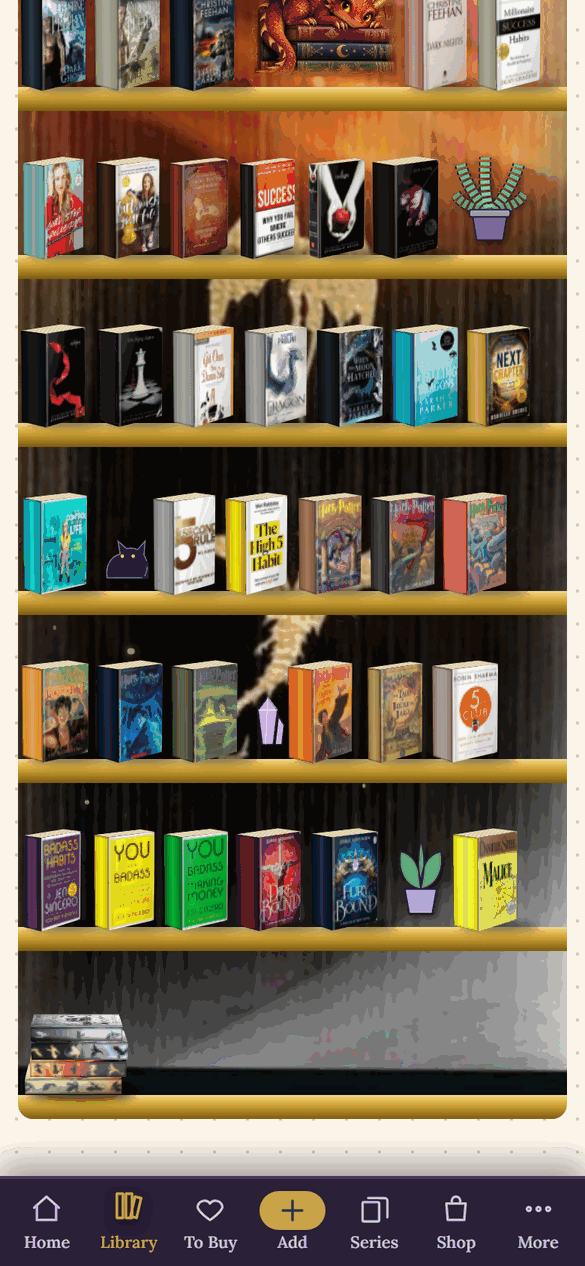
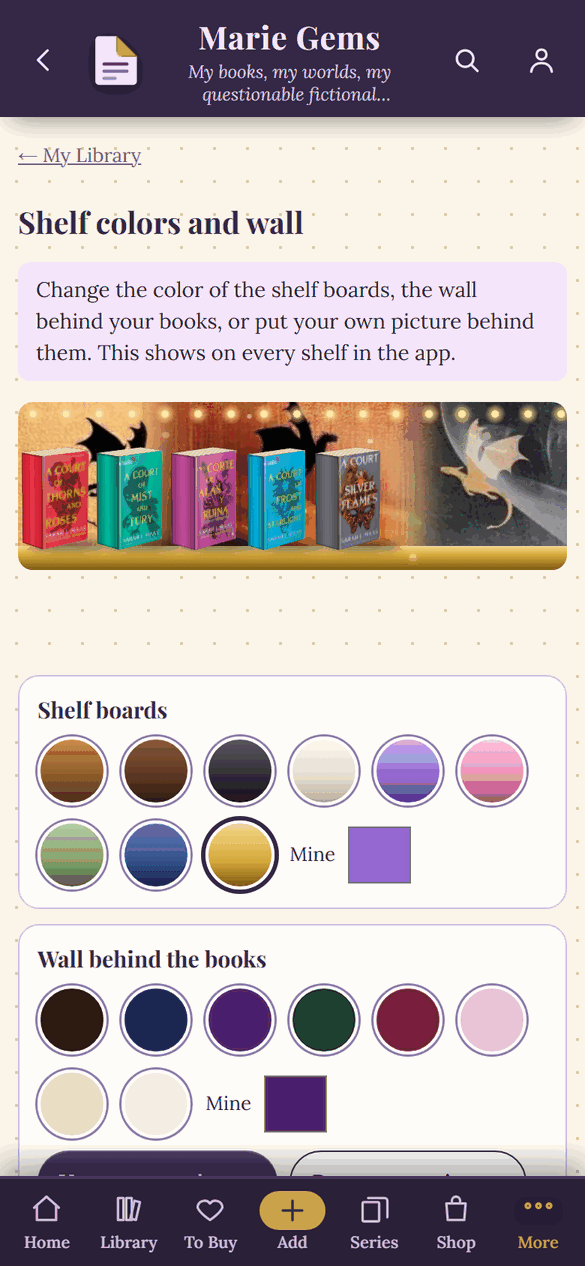
Pick the color of the boards and the wall behind your books, or put your own picture back there. Add decorations like a plant or a candle, or upload a picture of your own, then press and hold to move anything to the shelf you want.
On a real shelf some books face out, some show their spine, and a few lie flat on top. Do the same here. Tap Style my books, tap any book, and choose cover out, spine out, edge out, or lying flat. Make it taller or shorter, turn it upside down, or mirror it.
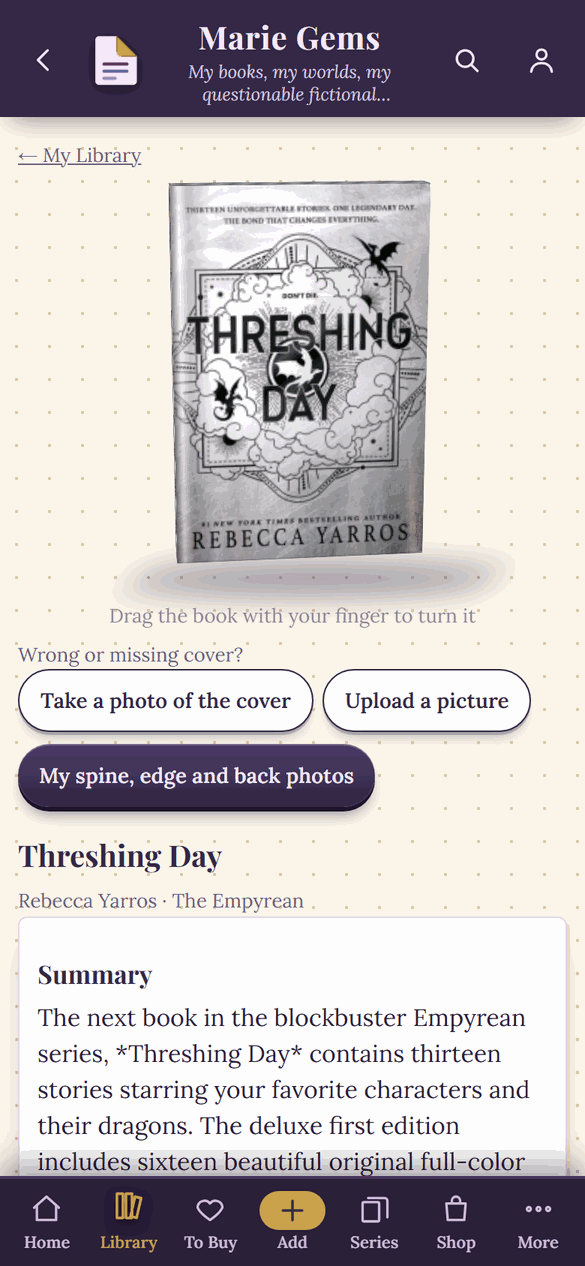
Drag the book on its page and it turns in your hand, all the way round. The back cover shows a short summary and the barcode. The book you are reading now is a 3D book too, with a back and pages.
Try it. Drag any book to turn it. Each one shows the owner's own photos of the spine, the page edge, and the back cover.
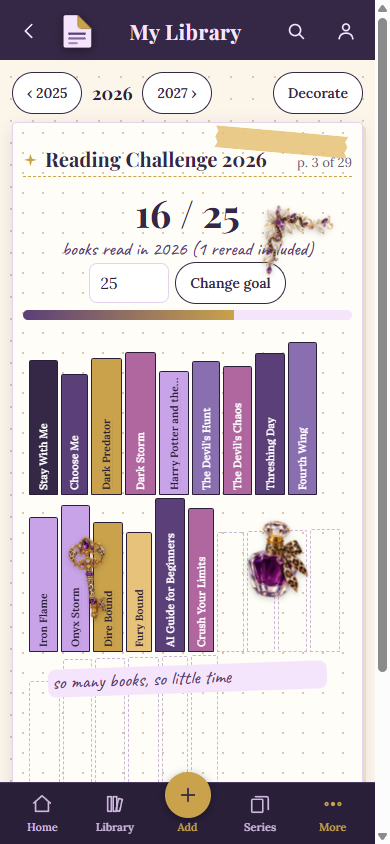
Every book you finish adds a spine to your yearly shelf, and your totals are always counted for you. Then make each page yours with stickers, washi tape, photos, and handwriting.
Books and pages by month, new authors, series started and finished, your average rating, and your five-star reads. When the year wraps up, Reading Wrapped tells the story.
Visit a friend's shelves, send them a book with a note, or start a small book club. Friends, messages and book clubs are free for every account.
Open a friend's library and see it the way they arranged it: their boards and wall, their decorations, and their books where they placed them. A visit is look only, so you can browse but never change anything.
Guides: how to add a friend, how to send a book recommendation, who can see your bookshelf.
A club holds up to 8 readers and is invite only. The person who starts it invites their own friends, and each one accepts. Members see each other's names and messages, and a new member only sees messages sent after they joined.
Guide: how to start a book club.
Nobody sees your shelves until you accept them. Invite friends with a private link, and make a new one any time to stop the old one working.
Turn off visiting, reactions, messages, club invitations and phone alerts, and set quiet hours. Turn visiting off and every friend is locked out right away. You stay friends.
Blocking ends the friendship, and neither of you can see the other. Report a friend's library or a conversation, and we read every report.
Nobody can find you unless you choose to be found, and that choice is for readers 18 and older. Even then, people can only ask. Every request needs your yes.
No downloads, no setup headaches.
Pay one time and you are in. No subscription, no trial that turns into a bill.
Choose a password and name your library. Add it to your phone's home screen like any other app.
Scan barcodes, search by title, or import a Goodreads list. Covers and page counts fill in for you.
Works great! Love the option for picking your next read and the fact that you can narrow it down to series or standalones. I do wish it was a little easier to catalog series. That takes a little bit to get used to.
Jessica
Dog-Ear is very cute and easy to use. I love customizing my bookshelf and tracking my progress with the books I'm currently reading.
A Dog-Ear reader
Try Dog-Ear with up to 50 books at no cost. When you want more, one payment unlocks everything. No subscription, ever.
No card needed.
One payment, yours for life. People who bought during the founding period keep their lifetime access.
Honest guides for readers who love their books.
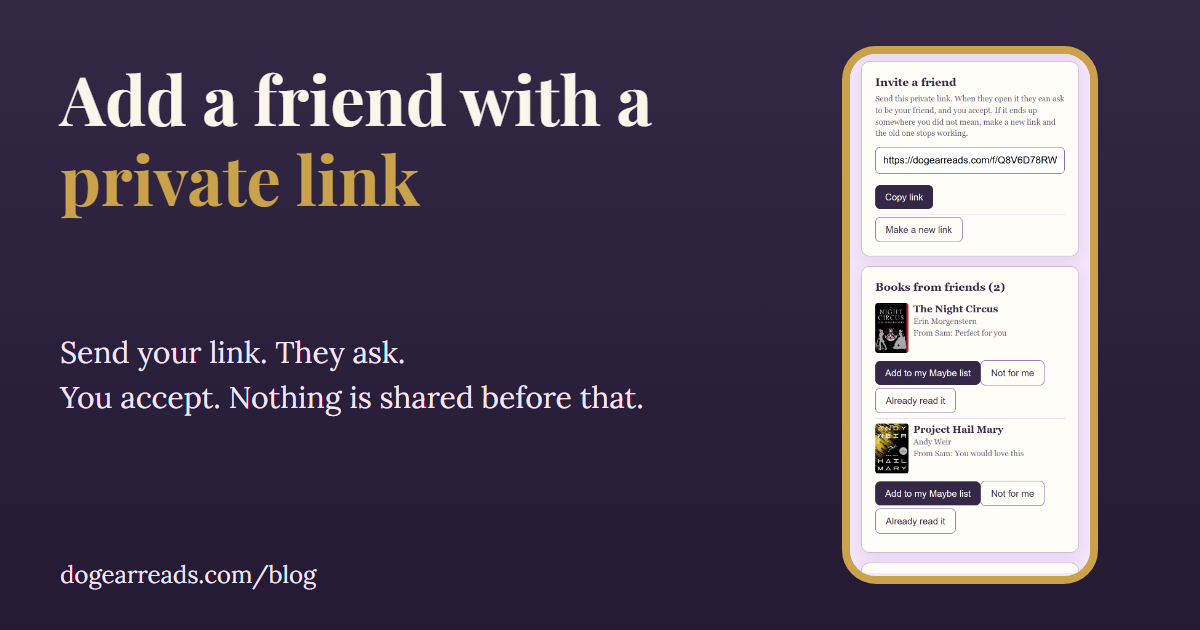
Share a private link, they ask, you say yes. What a friend can see and what they never can.
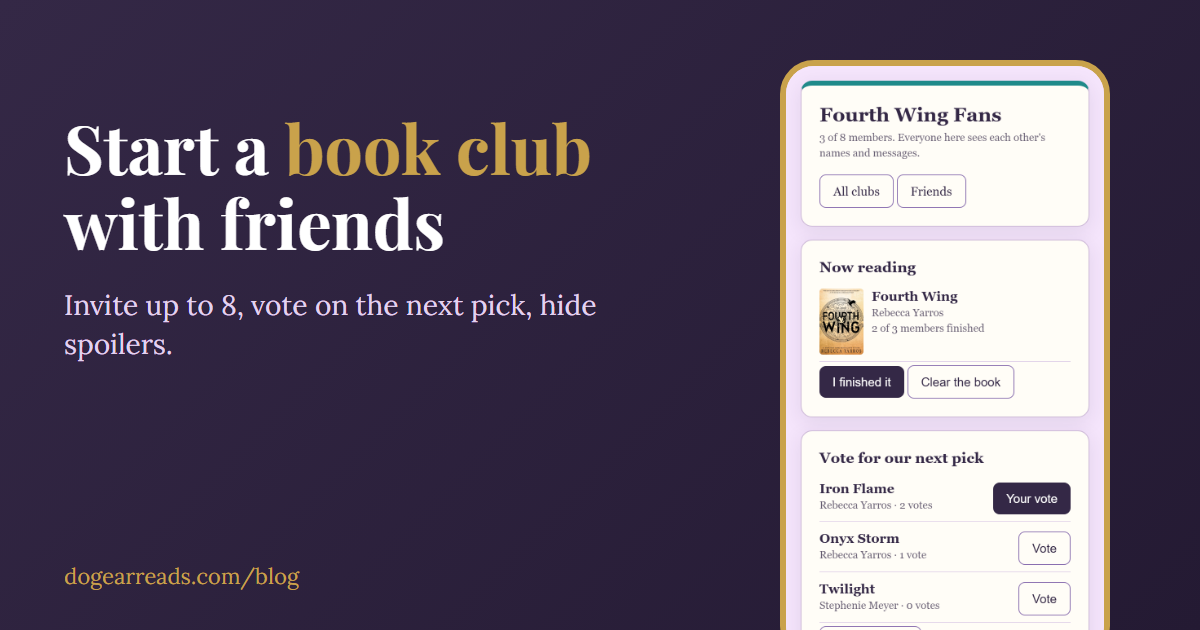
A small invite only club of up to 8, with a current book, polls and spoiler tags.
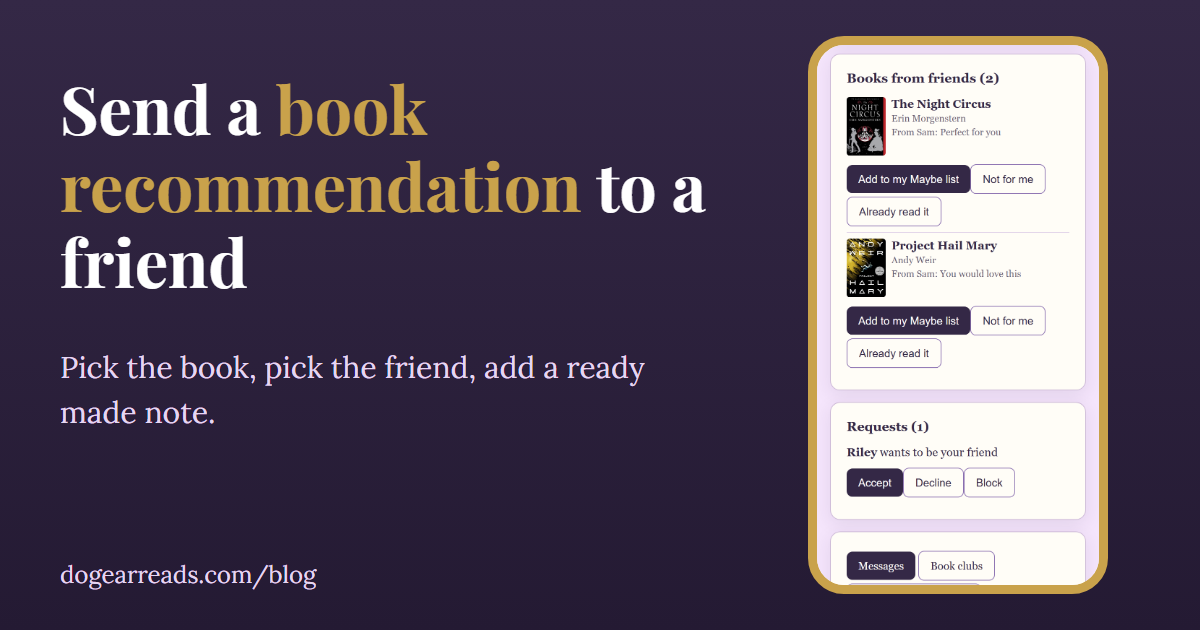
Pick a book, add a ready-made note, and it waits in your friend's inbox.
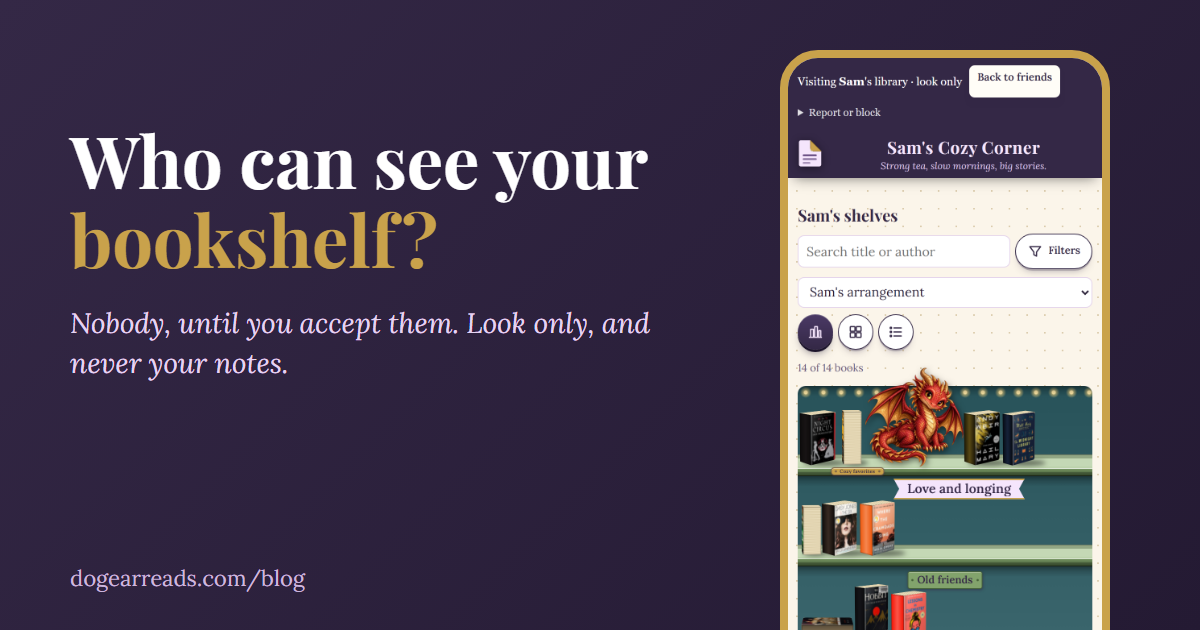
Nobody until you say yes. What friends see, what they never see, and how to switch it off.
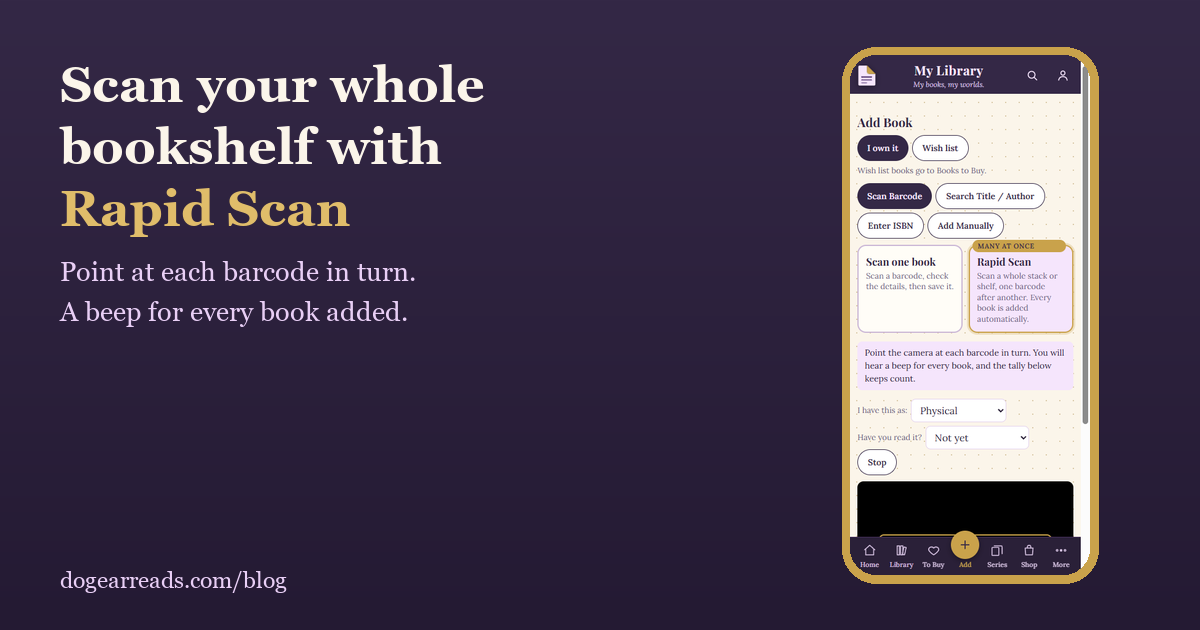
Catalog a shelf by scanning barcodes with your phone.
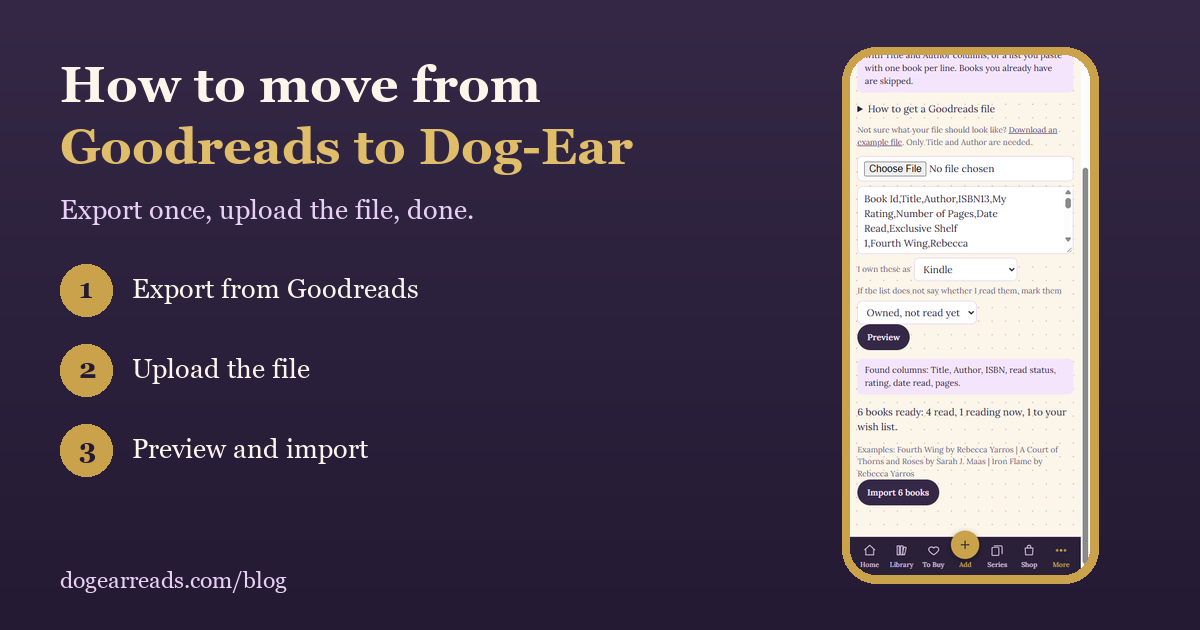
Export once, upload the file, and keep your reading history.
The honest answers.
Dog-Ear is a reading journal and book tracker that runs in your phone's browser. You scan book barcodes to build your shelves, track series, keep a wish list, decorate a journal with stickers, and see your reading year. It is one payment of $29 with no subscription and no ads.
It can be, especially if you own physical books or Kindle books and want one private place for all of them. You can import your Goodreads or StoryGraph export, scan barcodes to add books, and keep a decorated journal. Your library is private until you accept a friend, and there is no public feed. If you want company, you can visit friends' shelves and start small book clubs.
Yes, for the full version. You pay once ($29) and there is no subscription. The free version costs nothing and holds up to 50 books. People who bought the full version during the founding period keep their lifetime access, and optional extras, like more sticker packs, will always be separate and optional.
Access for as long as Dog-Ear is offered. If we ever stop, we will give you at least 60 days of notice and a way to download everything you saved.
Yes. Dog-Ear imports a Goodreads or StoryGraph export file, or any spreadsheet with Title and Author columns, or a simple pasted list. Amazon does not offer a Kindle export, but if your Kindle books sync to Goodreads, your whole Kindle library comes across that way.
A simple spreadsheet saved as CSV. The first row holds column names. Only Title and Author are required. These optional columns are understood too: ISBN13, My Rating (0 to 5), Exclusive Shelf (read, currently-reading, or to-read), Date Read (like 2024/05/03), and Number of Pages. Books on the to-read shelf go to your wish list, and a book marked read with no date stays undated until you add one.
Download an example file and replace the sample rows with your own books. It opens in Excel, Google Sheets, or Numbers.
No. Dog-Ear is not in the App Store or Google Play. It runs in your phone's browser and can be added to your home screen with its own icon (see the install steps just below). The barcode scanner uses your phone's camera, and the picture stays on your phone.
Dog-Ear is a web app, so there is nothing to download from an app store. You add it to your home screen straight from your browser, and it then opens full screen with its own icon, just like any other app. It takes about 20 seconds.
iPhone or iPad
Android
Computer
Menu names can change a little between phones and updates, but it is always the browser's Share or menu button. You can also skip installing and just use Dog-Ear in your browser. The first time you scan a barcode, your phone will ask for permission to use the camera.
The Series page shows every series at a glance, with how many books you own and how many you have read. For series with a full list on file, it also shows exactly which books are missing and lets you add them to Books to Buy. Series without a full list show only the books you have, and Dog-Ear never guesses what is missing.
Yes. Scan a barcode and save the book to your wish list, so you have it when you are out and not buying that second. You can also scan books you own, and Rapid Scan lets you scan a whole stack in a row.
Yes. Tap Talk and say it. You can add a book by its title, dictate your notes, or speak a whole summary. The words appear for you to check and edit before you save. Your browser's own speech service turns your voice into text, and Dog-Ear never receives or stores the audio.
Yes. Say something like "I read this in February 2026" and the finish date fills in on its own.
Yes. Pick a genre or spin the wheel and Dog-Ear suggests books you do not own yet, based on what you love. Genres include romance, fantasy, mystery, manga, and anime, and you can save any pick straight to your wish list.
Only if you want them. You get one friendly reminder a day to read a few pages, with a different message each time. You pick the time and can turn it off whenever you like. On an iPhone, add Dog-Ear to your home screen first.
Yes. The in-app shop sells Kindle cases, stickers, and bookish gifts from Marie Gems. Add items to your bag and check out without leaving the app.
Yes, with friends you accept. Send your private friend link, and when someone opens it they can ask to be your friend. You say yes or no. A friend can then visit your shelves exactly as you arranged them. A visit is look only: they see your covers, titles, authors, reading status, star ratings, library name and tagline, and they cannot change anything. You can turn visiting off at any time, and every friend is locked out right away.
No. Nobody sees anything until you accept them, and nobody can find you unless you choose to be found. Being found by name is off until you turn it on and confirm you are 18 or older, and even then people can only send a request. Anyone who has your friend link can also ask to be your friend, so share it only with people you know. If it ends up somewhere you did not mean, make a new link and the old one stops working.
No. Friends never see your notes, quotes, journal, journal photos or reading dates, and your wish list stays private unless you choose to share it. They see only what is on your shelves, and a visit is look only.
Yes. Friends, visiting, sending a book, reactions, messages and book clubs are free for every account, on the free plan and the full version. A book a friend sends joins your library only if you add it, and on the free plan it counts toward the 50 book limit like any other book.
Up to 8 people. A club is invite only: the person who starts it invites their own accepted friends, and each person accepts. Members see each other's names and messages, and a new member only sees messages sent after they joined.
Yes. On the Friends page you can switch off visiting, reactions, messages, book club invitations and phone alerts, and you can set quiet hours for alerts. You can mute a conversation or a club, hide one member's messages in a club, and block or report anyone. Messages are short text only, with no links, images or phone numbers.
You do. You can download everything as a file or delete your account whenever you want. We do not sell your information and we do not show ads.
Yes. The free version holds up to 50 books, and your wish list counts toward that. It includes scanning, search, import, your library, series, wish list, journal pages and stats, friends and book clubs, and the reading reminder. The full version adds no book limit, talking instead of typing, and the 100+ sticker pack, for one payment.
Yes. Open More, then Upgrade to the full version, or tap the gold bar at the top of the app. Your books and journal stay exactly as they are.
No. Anyone can start free. If you have an invite code, enter it when you sign up and your account starts as the full version.
Yes. Open More, then Ideas and reviews. Free and full readers both help decide what comes next, and I read every message. A review with your first name may be shown on this page if you allow it.
Dog-Ear is made by Marie Glow Studio, a small independent business. It started as a personal library tracker for one very bookish reader, and grew from there.
Start free with up to 50 books, and upgrade whenever you like. Everyone who bought during the founding period keeps lifetime access.
Start free Get the full version, $29 once