How do you stop buying books you already own?
The short answer: Keep one list of every book you own, in every format, and check it before you buy. The checking has to be quick enough to do in a store or at a checkout page, or you will skip it. In Dog-Ear you can scan a barcode, and if the book is already in your library it tells you "You already have this one, nothing changed."
You get home, you unwrap the new book, and there it is on the shelf already. Or you open the app and find a second copy of the Kindle book you bought last spring. Forums are full of people who have done this, from readers who laugh about it to readers who have kept a spreadsheet for years and still got caught. It is common, and it is fixable.
Why do readers buy the same book twice?
A few causes come up again and again in reader threads:
- Pre orders. You order a book months before it comes out, forget, and order it again when it appears in a newsletter or a sale.
- Buying in person with no list. A spreadsheet at home does not help when you are standing in a store.
- Different formats. You own the paperback, then see the Kindle edition on a good day and buy that too.
- Different covers. A new edition looks like a new book.
- Gifts and shared lists. Someone buys a book you already bought yourself.
- Long series. Volume seven looks exactly like volume six from across a room.
None of these are about being careless. They are about having no fast way to check.
What is the simplest check before you buy?
Whatever tool you use, three things make it work:
- Everything goes in one place. Paperbacks, hardcovers, Kindle books, preorders. A list that leaves out one of these will fail on that one.
- It must be fast. If the check takes longer than a minute, you will not do it standing in a shop. Searching your own title list or scanning a barcode are the two quickest ways.
- It must be on your phone. The moment of buying is away from your shelf.
If you are starting from zero, our guide to cataloguing a home library without giving up halfway is a good first step. If you read on a Kindle too, tracking Kindle and physical books in one place covers how to handle a book you own twice on purpose. Once you know what you own, how to choose what to read next helps you pick from it.
Are there times when a second copy is fine?
Yes. A second copy is a choice when:
- you want a special edition, a signed copy or a nicer hardcover of a favorite;
- you want the Kindle version for travel and the paperback for the shelf;
- you are buying a copy to lend or give away.
The goal is not zero duplicates. The goal is that every duplicate is a decision you made, not an accident you find out about at home.
How does Dog-Ear warn you about a duplicate?
Dog-Ear checks each book you add against your library. What you see depends on how you add it.
- You scan a book you already own. Dog-Ear says "You already have this one, nothing changed," and no second copy is added. This also works with Wish list selected, so you can scan in a store to see if you own it before you buy. Our post on scanning books in a bookstore walks through the steps.
- You add a book by hand that is already in your library in the same format. Dog-Ear asks: "You already have [the book title] in this format. Is this a different edition or printing?" You can answer Yes, add it as another edition if you really do own two, or No, it is the same book to cancel.
- You add the same book in a different format. For example, you own the paperback and now add the Kindle copy. Dog-Ear asks "You already own [the book title] (Physical). Add Kindle to your collection too?" If you say yes, the book shows once, with both formats, instead of as two separate books.
For books you have ordered but not received, Dog-Ear has a Preordered format. On a series page, a book that is announced but not out yet has an "I preordered this" button, so you can see it on your list and not order it twice.
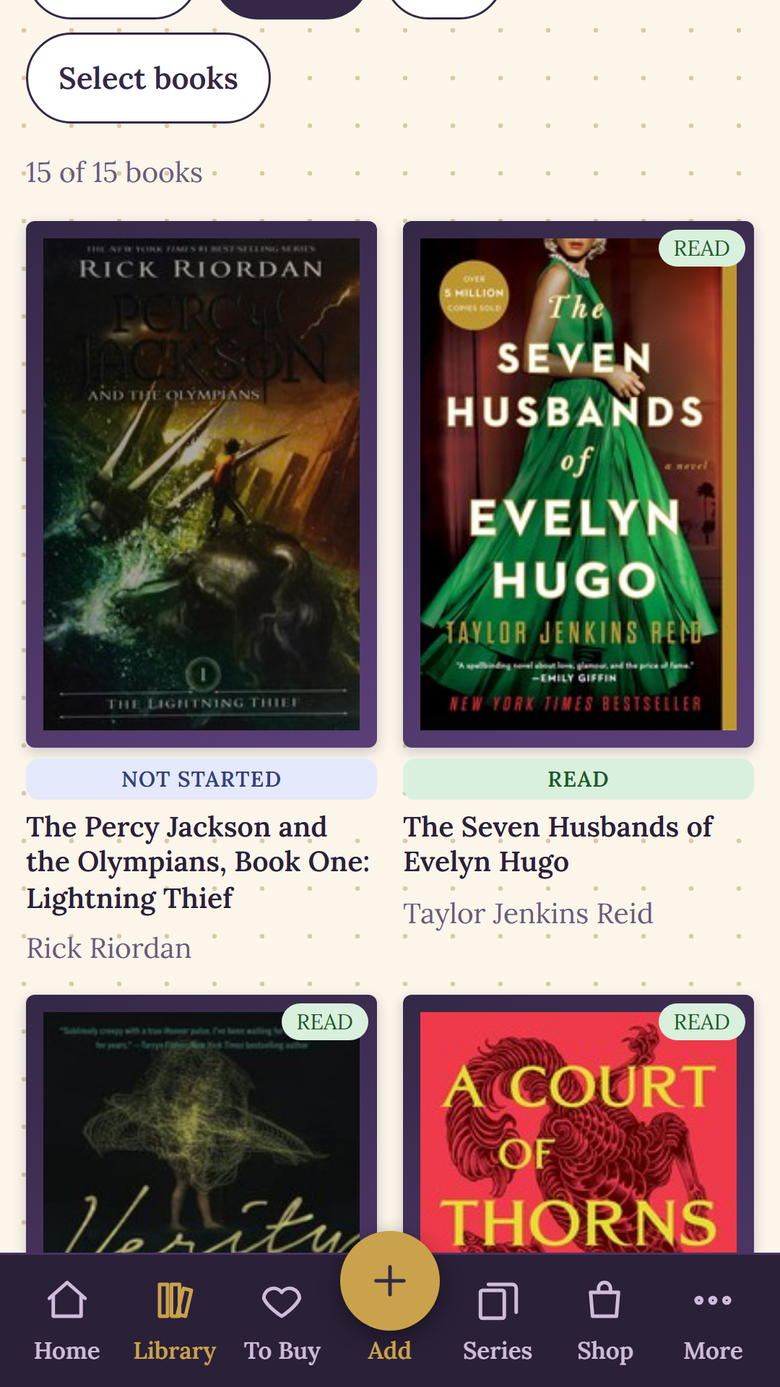
Your library in Dog-Ear, in a sample library.
What are the limits?
This only works for books you have put in. A list you only half filled in will miss books, which is why the first scan of your shelves matters. If you have no signal in a shop, a scan is saved on your phone and added when you are back online, but you will not get the "you already have this" answer until then. Check before you reach the till if signal is poor.
Dog-Ear also cannot know about a book that is on your shelf but not in your library, such as one that was gifted or lent to you and never scanned. If a book comes in without being added, the check cannot catch it. Adding books as they arrive is the habit that makes the whole thing work.
When is this not for you?
If you own a few dozen books and know them all by heart, you do not need an app. A notes list on your phone with titles and authors will do. If you buy mostly ebooks from one store, that store may already warn you before you repurchase something, so check how it behaves before you build a second system.
Check before you buy
If you are curious, Dog-Ear is at dogearreads.com. A shared note on your phone with every title you own would also get you most of the way.
Start freeQuestions
How do I know if I already own a book?
Search your own list by title, or scan the barcode in an app that holds your library. In Dog-Ear, scanning a book you own shows "You already have this one, nothing changed."
What if I have two copies of the same book on purpose?
In Dog-Ear, adding a book you already own in the same format by hand asks if it is a different edition or printing. Say yes and it is kept as another edition of the same book.
Can I keep a Kindle copy and a paperback of the same book?
Yes. Add the second format and the book shows once with both formats listed, so you can tell what you own where.
How do I avoid buying a book twice when I pre order?
Put the pre order on your list the moment you place it. Dog-Ear has a Preordered format for this.
Does a spreadsheet work?
It can, and some readers keep one for years. Its weak point is that it is hard to check in a store, so many readers still end up with doubles.
Related: How to scan books in a bookstore, How to catalogue a home library without giving up, How to track Kindle and physical books in one place.