How to scan books in a bookstore and save them for later
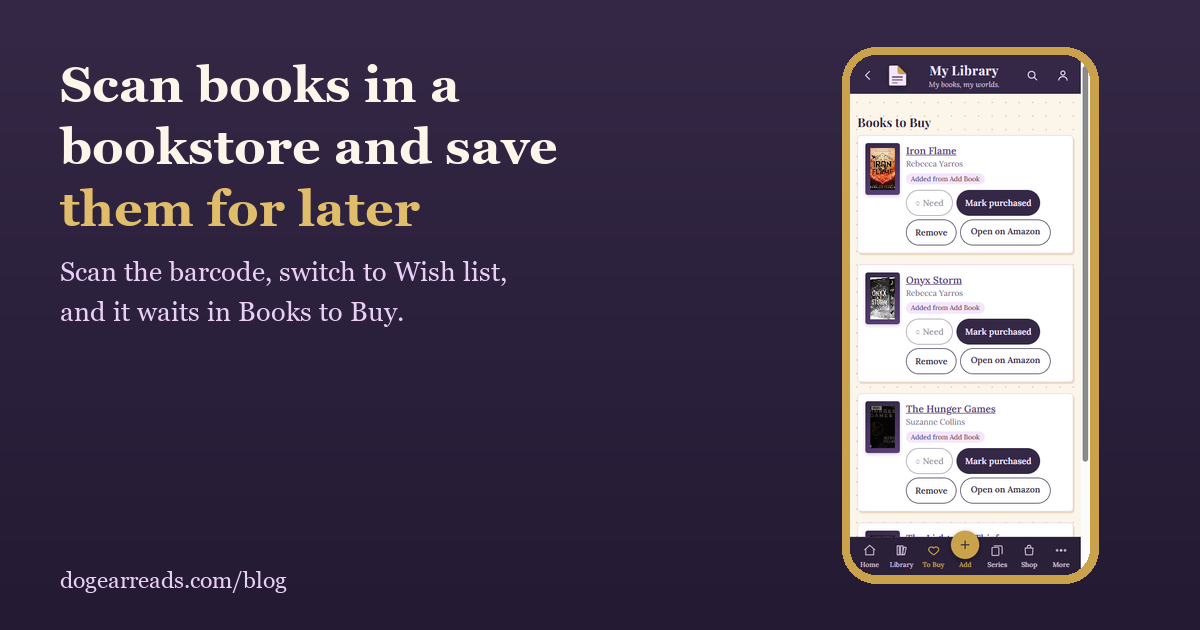
The short answer: in Dog-Ear, tap Add, switch from I own it to Wish list, choose Scan Barcode, and point your camera at the book's barcode. The book is saved to Books to Buy with its cover and details, ready for when you want it. If you already own it, Dog-Ear tells you instead.
You know the moment. You are in a bookstore, you find a book you want, and you cannot buy it right now. A week later you have forgotten the title. A scan takes a few seconds and puts it on a list you will actually look at.
How to save a book from a store
- In Dog-Ear, tap Add.
- At the top, tap Wish list. The screen reminds you that wish list books go to Books to Buy.
- Choose Scan Barcode and point your camera at the barcode on the back of the book.
- Check the details and tap Add to wish list. It is saved to Books to Buy with its cover.
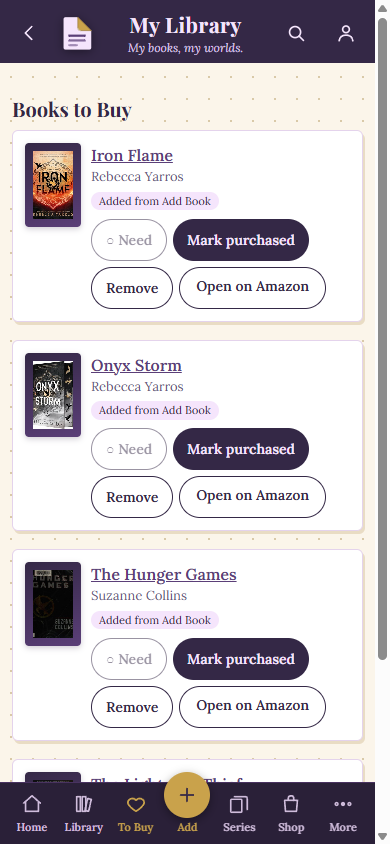
Books to Buy in a test library: each book has its cover and buttons to buy it, mark it purchased or remove it.
Scanning a few at once
If you are browsing a whole table of books, switch to Rapid Scan while Wish list is selected. It scans one barcode after another and adds each book to your wish list automatically, with a beep for each.
Check whether you already own it
This is the other half of the trick. If you scan a book you already own, Dog-Ear tells you "You already have this one, nothing changed" and does not add a duplicate. That makes a quick scan a handy way to settle the question before you buy a second copy of book three.
What happens next
- Books to Buy: open the To Buy tab to see everything you saved, with covers.
- Buy it: tap Open on Amazon on a book when you are ready to buy it.
- Mark it purchased: when you have bought it, tap Mark purchased.
- Change your mind: tap Remove.
Books you are missing from a series can go on the same list. The Series page has an Add to Books to Buy button on every missing book, and announced books have an Add to wish list button and an "I preordered this" button.
Good to know
- Scanning needs your phone's camera and an internet connection, so check you have signal in the store.
- If a book has no barcode that will scan, use Search Title / Author to find it instead.
- Your wish list is private. It is not shared with anyone.
Never forget the book you almost bought
Scan it in the store, and it waits for you in Books to Buy. $9, one time, no subscription.
Get Dog-Ear for $9Questions
Can I scan a book in a store and save it for later?
Yes. In Dog-Ear, tap Add, switch to Wish list, choose Scan Barcode, and scan the book. It is saved to Books to Buy with its cover and details.
How do I check whether I already own a book?
Scan its barcode in Dog-Ear. If you already own it, you see "You already have this one, nothing changed" and nothing is added twice.
Can I scan several books to my wish list at once?
Yes. With Wish list selected, switch to Rapid Scan and scan one barcode after another. Each book is added to your wish list automatically.
What if the book has no barcode?
Use Search Title / Author to find the book and add it to your wish list that way.
Related: How to scan your whole bookshelf, How to track book series you own, Book tracker apps with no subscription.