How do you get a transparent background for a bookshelf decoration?
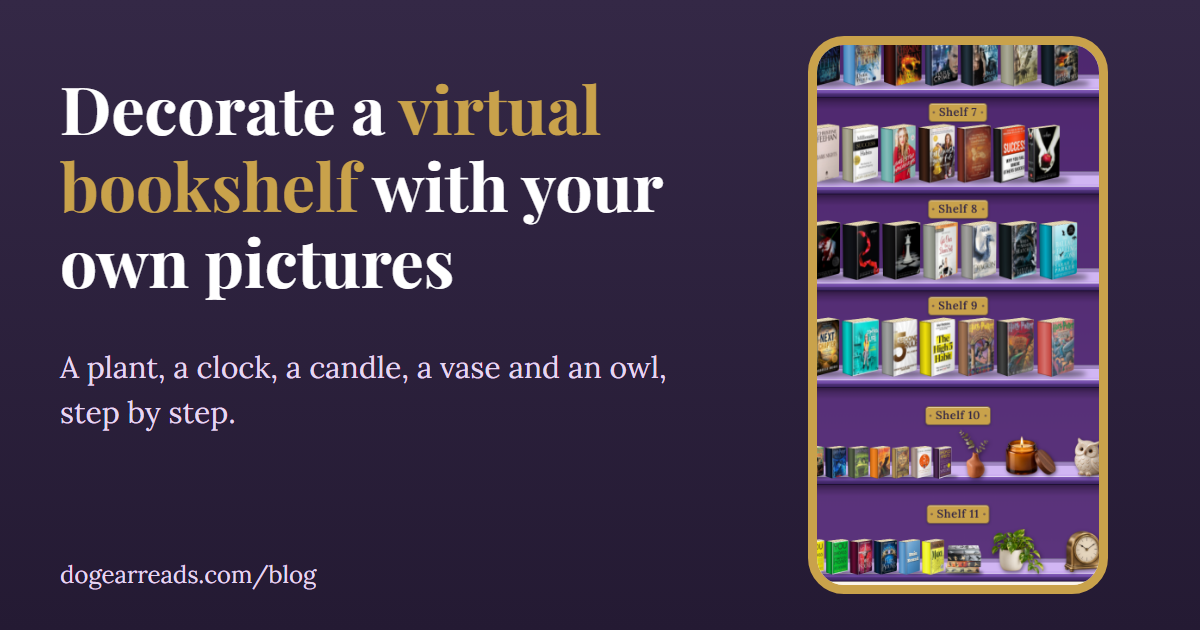
The short answer: open ChatGPT, ask it to create an image of the object, and say you need it with a transparent background as a PNG. Download it, check that no gray and white grid is baked in, then add it in Dog-Ear with Add my own picture. If you already have a picture with a plain backdrop, Dog-Ear's own slider can take the backdrop away.
A decoration only looks right on your shelf when the object stands there by itself. A picture with a white or colored box around it looks like a sticker slapped on. The fix is a transparent background, and you do not need an editing program to get one. Here are the ways, from easiest to most work.
Option 1: Ask ChatGPT for a transparent picture
- Open ChatGPT and ask it to create an image of the thing you want, such as a small terracotta pot with a pothos plant, a brass desk clock or a cream ceramic owl.
- Add this to your request: I need it with a transparent background, as a PNG. Ask for one object only, centered, with nothing else around it.
- Download the image. Make sure it is saved as a PNG file, not a JPG, because a JPG cannot be transparent.
I have not tested every ChatGPT plan or version, and what it offers can change. The check above is what matters, whatever tool made the picture.
Option 2: Let Dog-Ear take a plain backdrop away
If your picture has one plain color behind the object, you do not need to do anything first. Dog-Ear crops it and has a slider called Remove plain background. It starts at 28. Slide it until just the item is left, then tap Save. This works well on a flat color and badly on a glow or a shadow, so when you ask ChatGPT for a picture, ask for a plain flat backdrop as a backup.
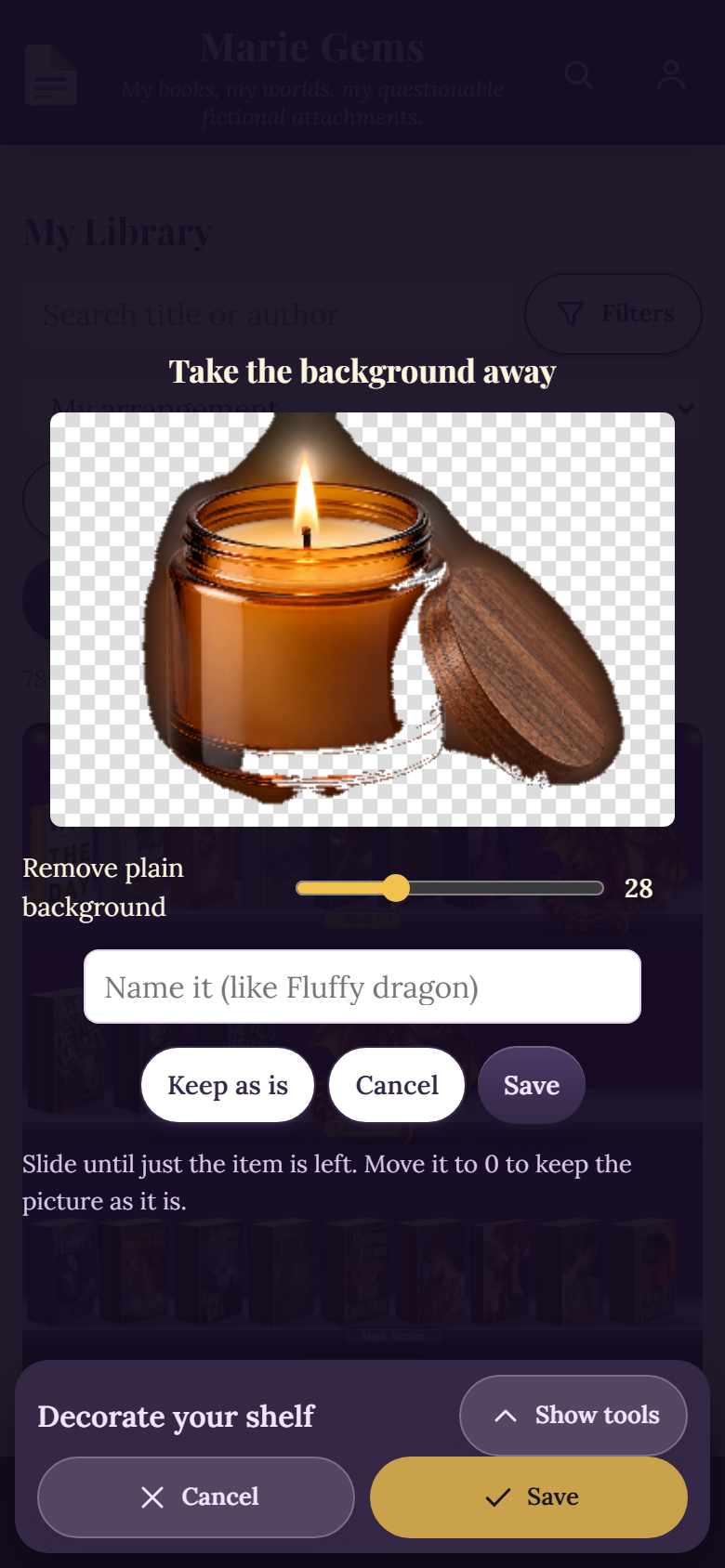
The Take the background away screen. This test picture has a glowing backdrop, which the slider cannot fully remove.
Option 3: Use a free background remover
If you have a photo of a real object, such as your own mug, or a drawing, you can run it through a free background remover website and download the result as a PNG. Pick one that says it exports a PNG with a transparent background, and check the result the same way, for a baked in checkerboard or leftover edges.
Now add it to your shelf
In Dog-Ear, open My Library, tap Customize shelf, then Decorate on my shelf. Tap Add my own picture and choose your PNG. A transparent picture is saved straight away, with no crop or slider. Then pick a shelf next to Add decoration and tap your picture to put it there. The full steps, including sizing and moving, are in how to decorate a virtual bookshelf with your own pictures.
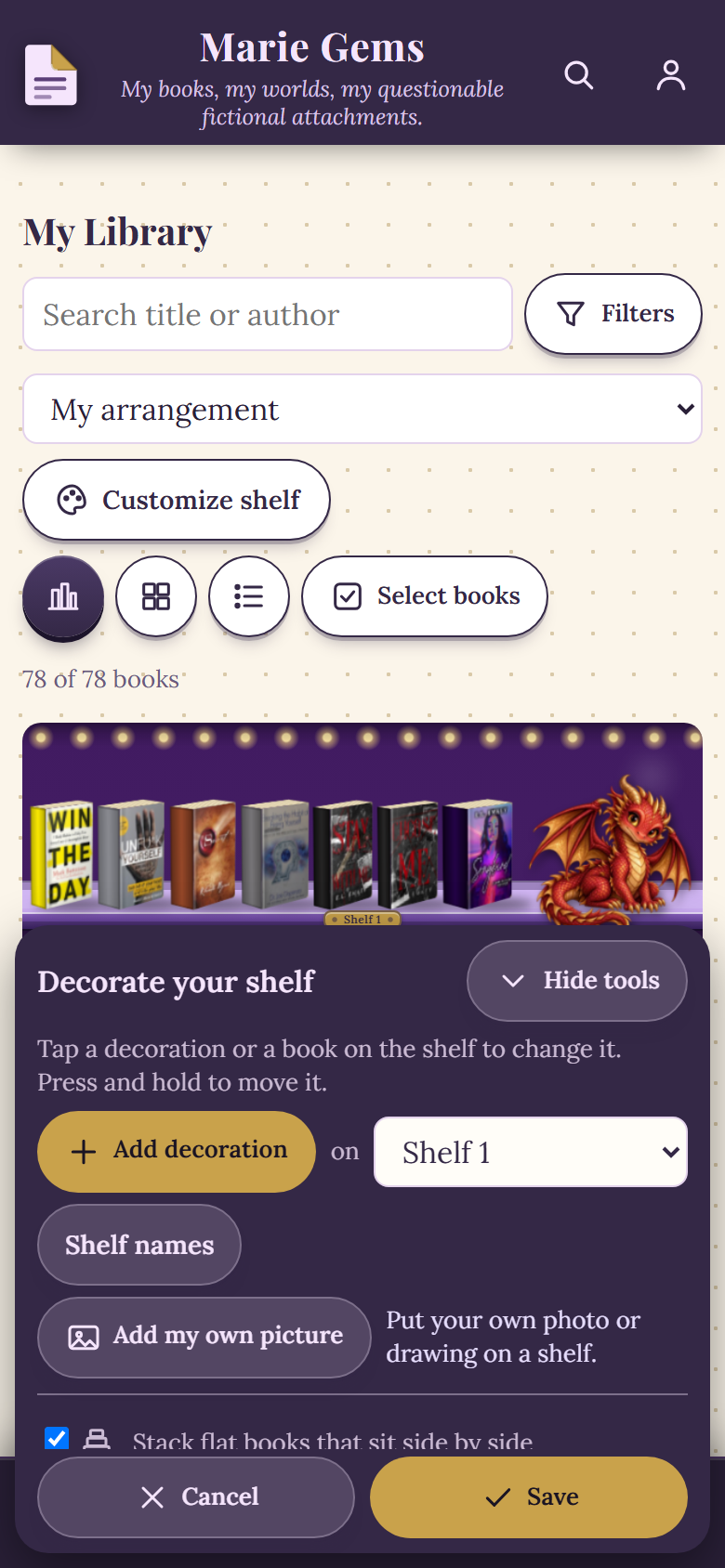
The Decorate panel, with Add my own picture in the middle, in a sample library.
Tips for pictures that look good on a shelf
- One object per picture. A plant, a candle, a clock. Not a whole scene.
- Soft, even light. Ask for it so the object does not look pasted on.
- Keep it simple. Fine details like fur or wisps of steam are the hardest part of any background removal.
- Name it. Names can be up to 40 characters, and you can keep up to 60 of your own pictures.
Who does not need this
If the decorations that come with Dog-Ear already look right on your shelf, skip it. This is only for making a shelf feel like yours.
Make your shelf look like yours
Add your own plant, candle and owl to your shelves. $29, one time, no subscription.
Get Dog-Ear for $29Questions
What is a transparent background?
A transparent background means the picture has no backdrop at all, only the object. It is saved as a PNG file. On a shelf it looks like the object is really standing there.
Can ChatGPT make an image with a transparent background?
You can ask for one by saying you need it with a transparent background as a PNG. Check the result before you use it. If you see a gray and white grid that is part of the picture, the background is not transparent. Ask again, or use the Dog-Ear slider.
What if my picture is a JPG?
A JPG cannot be transparent. Dog-Ear will take you through a crop screen and a Remove plain background slider, which works well on a plain backdrop and badly on a glowing or shaded one.
Do I have to remove the background before uploading?
No. Dog-Ear can take a plain backdrop away for you, but a picture that is already transparent is saved as it is and looks cleanest.
How many pictures can I add to my shelf?
Up to 60 of your own pictures.
Related: How to decorate a virtual bookshelf with your own pictures, Special editions and photos of your own copy, Who can see your bookshelf on Dog-Ear?